
Hand drawing vs digital fashion sketching is a workflow choice, not a universal contest. Both can support exploration and communication. The useful question is which method helps you make the current decision clearly, then carry the selected information into the next stage without losing its meaning.
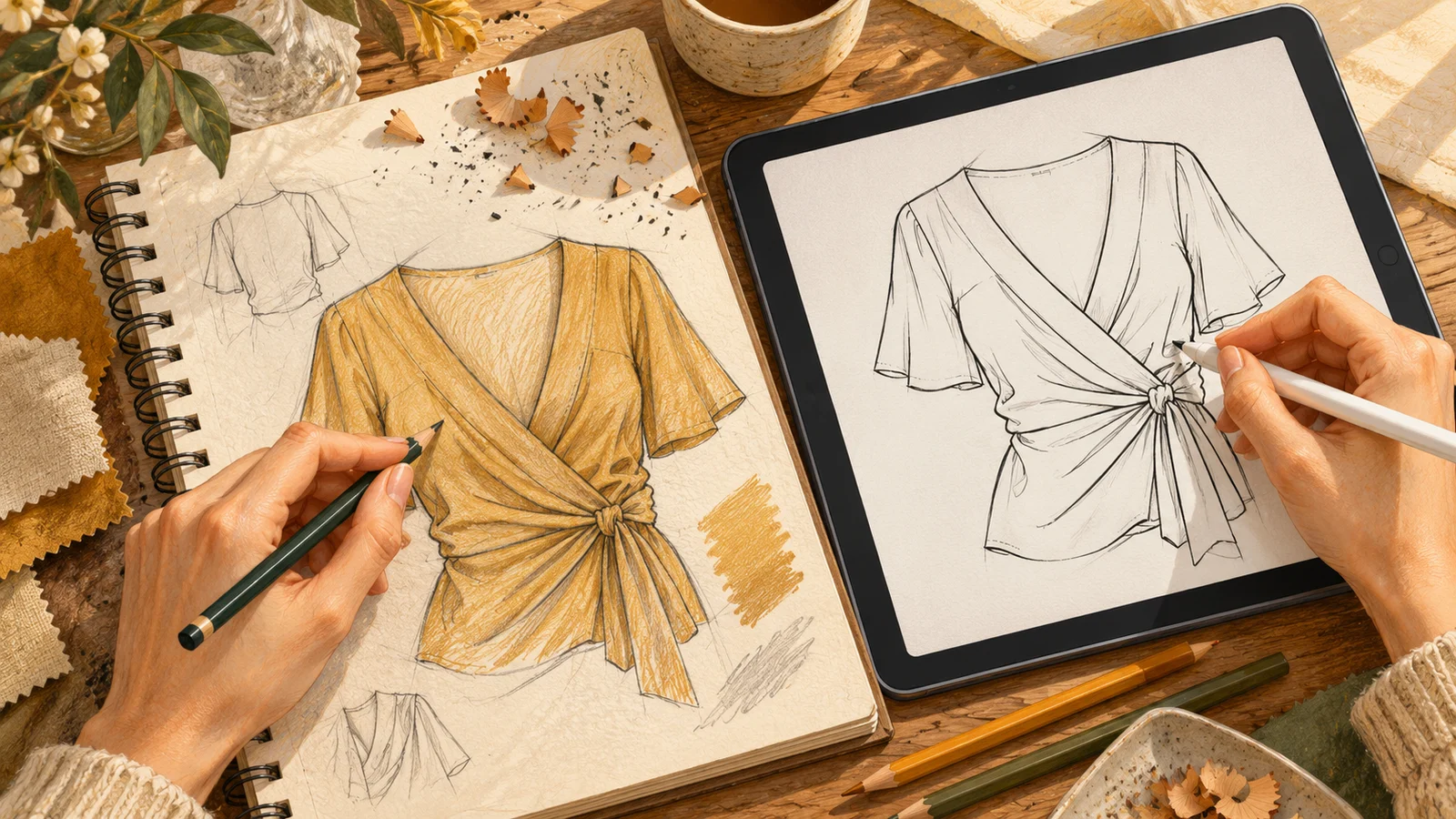
Use exploration tools for exploration
A designer may prefer paper for quick variations because it suits their habits and drawing style. Another may explore equally freely on a tablet. Neither preference establishes a general speed advantage. Compare the quality of the decisions you can review, rather than assuming the medium guarantees creativity.
For an illustrative sleeve study, the important output is a readable comparison of fullness positions and a note explaining the chosen direction. It can be made with pencil, stylus or another suitable tool. A beautiful rendering is optional if it does not help resolve that question.
Use controlled views when details must stay consistent
Digital vector drawing can help maintain editable lines and reuse defined components. It can also preserve an incorrect detail very consistently. A repeated collar template still needs to match the current neckline, material and design intent.
Hand-drawn flats can communicate clearly when views, labels and measurements are legible. The test is whether the recipient can identify the intended construction and current version, not whether the drawing was made in a particular application.
Make transitions between media explicit
If you scan or photograph a sketch, keep a complete record and avoid relying on the captured page as a scale drawing. Name the file with a style reference and revision. When translating it into technical views, record decisions that the original page left open.
Compare the result with the source sketch. Did a tracing remove an intentional asymmetry? Did a copied component change the silhouette? Resolve those differences before the new file becomes the current instruction.
Control versions across formats
A paper annotation, editable drawing and exported PDF can easily diverge. Identify which issue is current and what it replaces. Keep the editable source for further work, but send an agreed, readable format that the recipient can use without guessing which layers are active.
- Use the same style code across sketches, flats and comments.
- Date revisions and describe changes that affect making.
- Distinguish working alternatives from approved requirements.
- Check the exported file, including small text and detail views.
Judge the handoff, not the tool collection
Ask whether the final set explains appearance, construction, measurements and materials consistently. A digital image that looks realistic is still a visual proposal until the relevant technical information and sample evidence support it. A rough sketch with clear notes may be a useful early discussion document while remaining insufficient for production.
UAL’s technical drawing course describes communicating garment details digitally. It does not make the software itself a substitute for design and construction decisions.
Read illustration vs technical drawing and developing technical flats for the information requirements. For KEYIDI TEXTILE review, use a complete tech pack or physical sample garment as described in our sampling guide.
Ready to Discuss Your Next Collection?
Send your garment brief, tech pack or physical sample details, fabric requirements, and target quantities for review.
Formal development requires a complete production-ready tech pack with specifications, or a physical sample garment. Concept sketches alone are not sufficient to start development.
Send Production Enquiry ↗Or email us directly at info@keyiditextile.com